Work / Trade operations system
A trade operations system that takes each deal
from buyer search to quotation in a single flow.
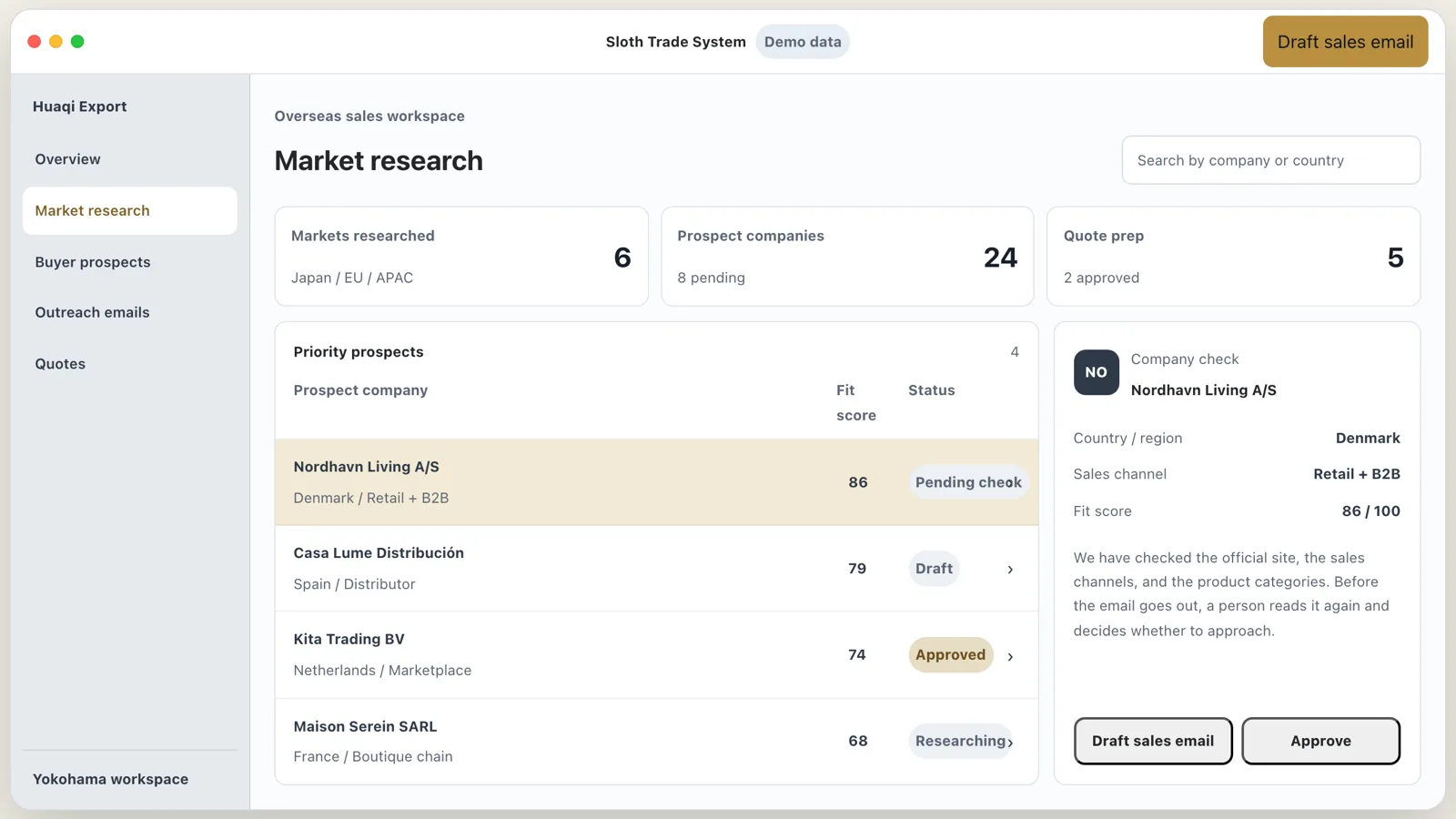
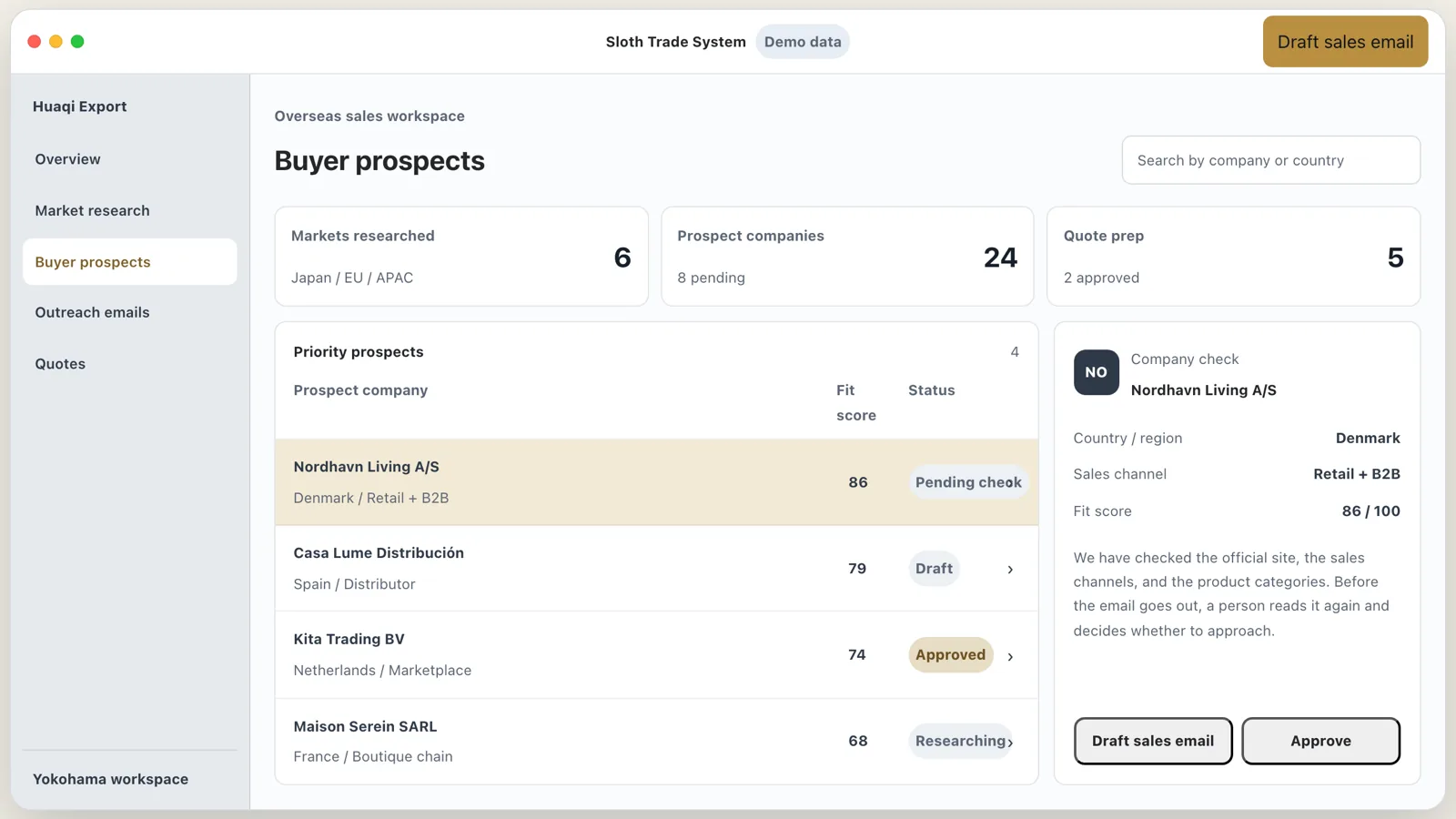
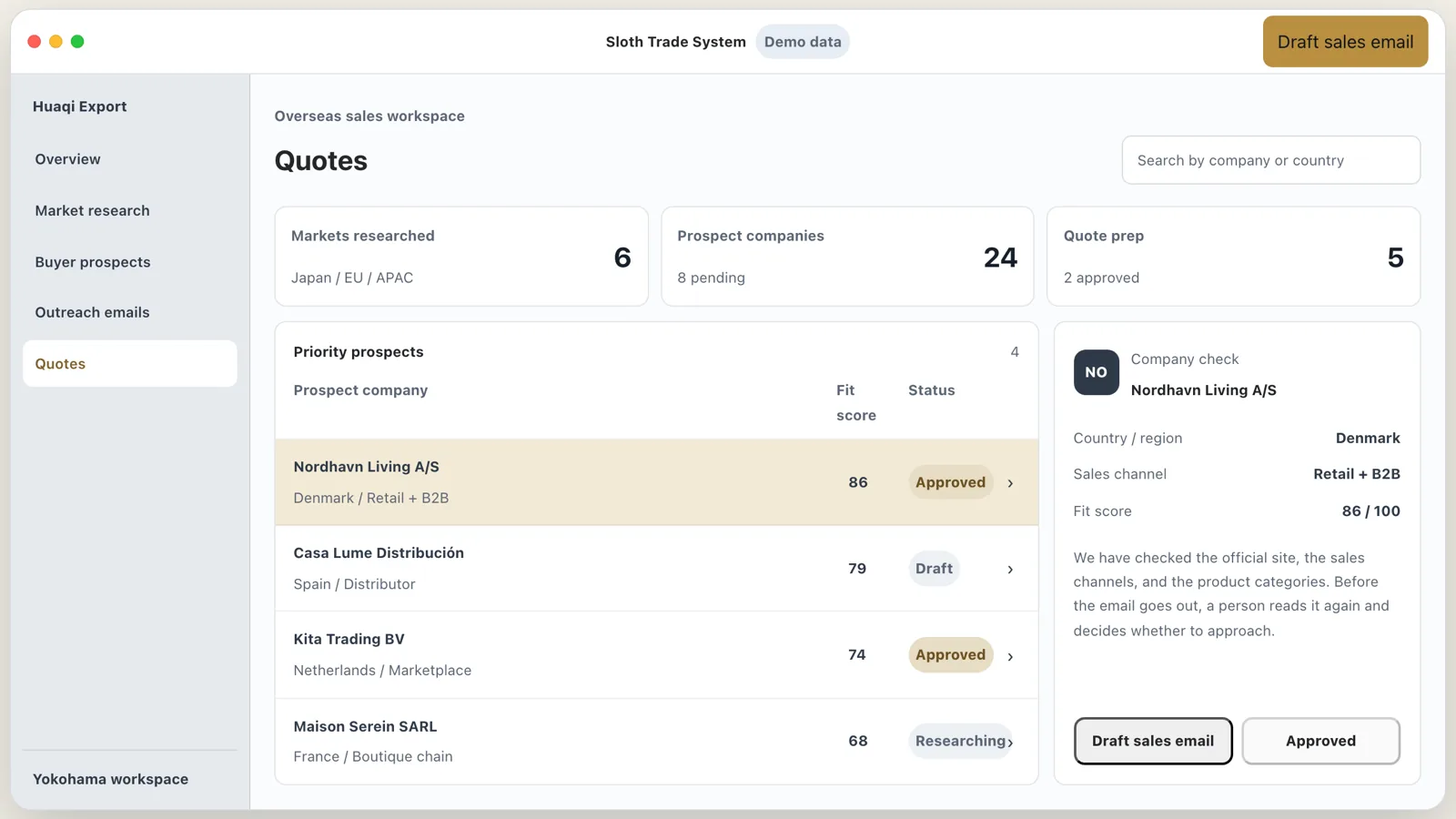
Listing candidate companies, confirming that a buyer is a genuine trading company, and drafting the sales email and quotation all happen on one screen. A person checks anything that leaves the company before it goes out.
01
Which work it covers
It covers our own export work, selling Japanese goods to buyers overseas. Buyer types and trading terms differ from country to country, and confirming that a company is trading takes its own procedure. We settled on a single sequence for searching and checking, and put it on one screen.
02
Each step has its own role
Market research
Enter the product and the destination country, and the system assembles market size, price range, and the points to watch when entering that market. It checks each figure with two independent sources and cites both.
Checking buyer prospects
We check the official website, sales channels, and product categories, then list the credit risks and what to verify next.
Approval and the documents
A person reviews the candidates and the findings, and no step follows until that person approves. After approval, the system drafts a sales email and a quotation for each company.
03
Where it stands today
Use in our own work
We have used it for our own export work since the day we founded the company.
What it covers
Market research through to a draft quotation runs on the same screen.
Go to the screensCheck before sending
A person reads every outgoing document before we send it.
04
Screens from the system
The interactive screen below runs on demo data. The screenshots that follow come from the demo build, and the Chinese version of this page shows the live system instead.
Overview